
One pipeline the whole team works from.
Everyone works from the same board, you decide who owns each contact and deal, and follow-ups land on the right person's list.
Built into BrytIO today.
A shared pipeline
Drag deals across your stages. Each stage sets a default chance to close, and the board filters by owner, company or close date.
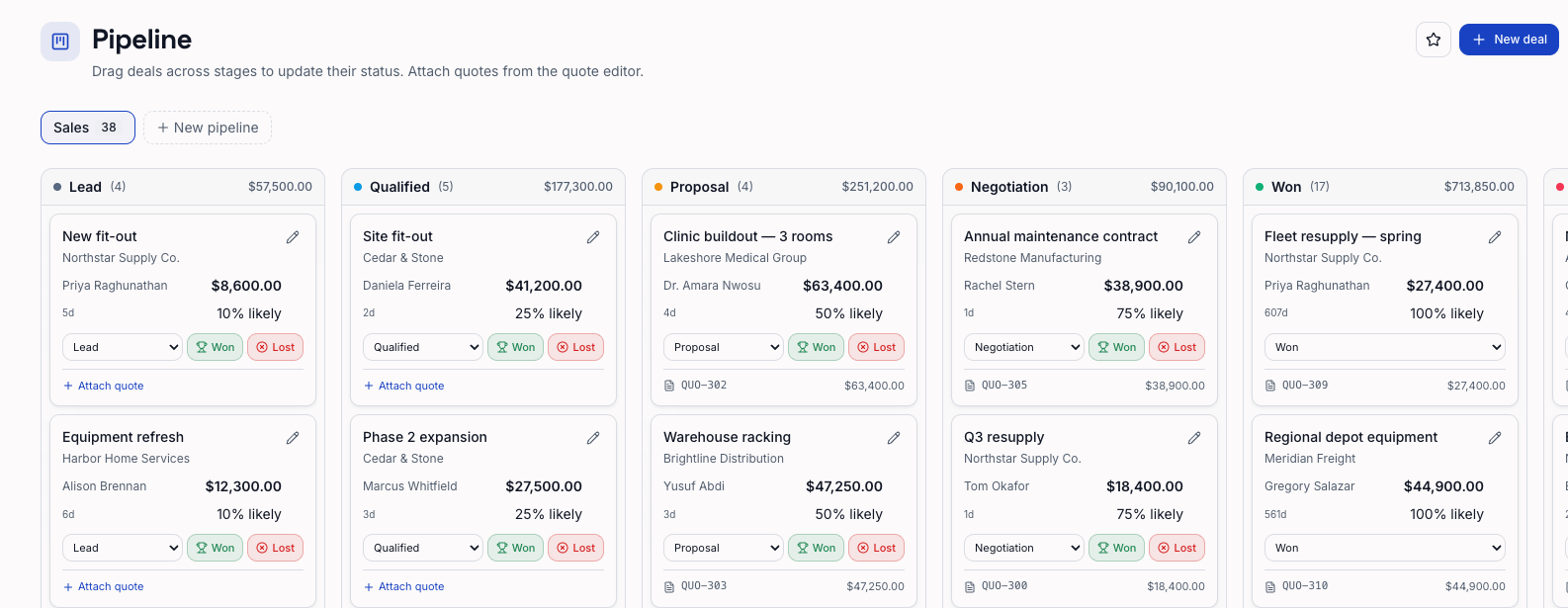
An owner on each contact and deal
Give each contact and deal an owner, and reassign contacts in bulk. You can limit a rep to the contacts and deals they own, plus any that are unassigned. Only owners and admins see invoices and revenue. The Reports section, including the forecast report, is for owners and admins.
Follow-ups that come back
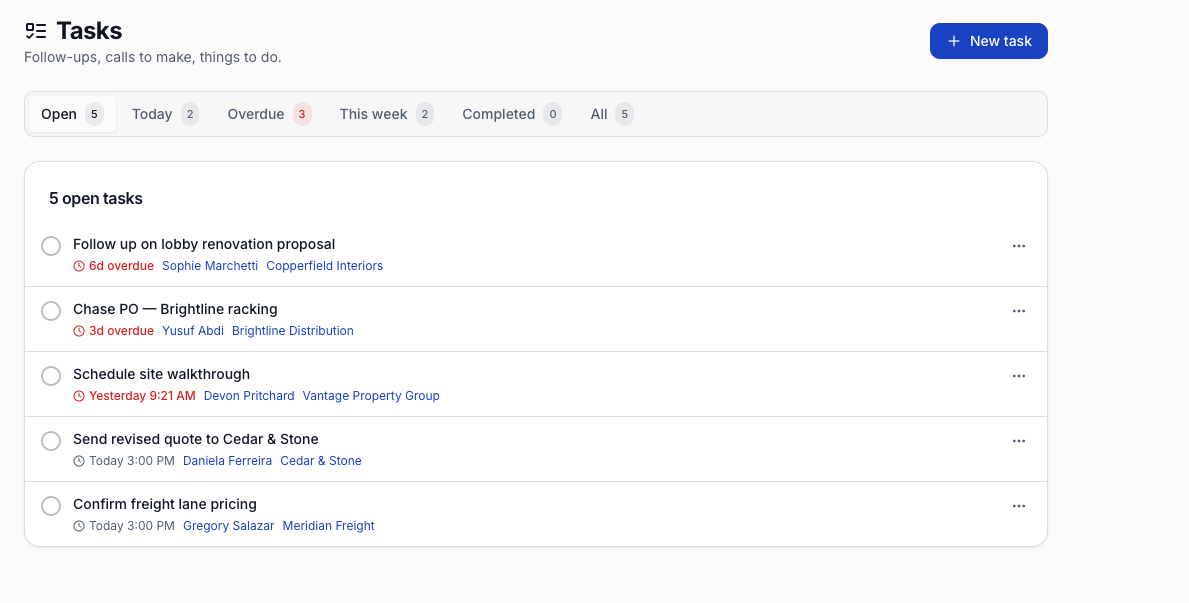
Assign tasks with due dates to anyone on the team. Snooze them, set them to repeat, and see what is overdue at a glance.
How it works.
Invite your team
Add teammates as members or admins. How many people can sign in depends on your plan.
Share one board
Set your stages once and work every deal from the same pipeline.
Follow up on time
Tasks with owners and due dates keep each deal moving.