From first lead to final delivery.
Each step in BrytIO, in order: capture the lead, work the deal, send the quote, invoice it, get paid and ship it.
Capture the lead
Add a contact by hand, import a CSV or Excel file, or connect Microsoft 365 or Outlook to bring in the people you email. Each person gets a record with their company, deals and history.
Work the deal
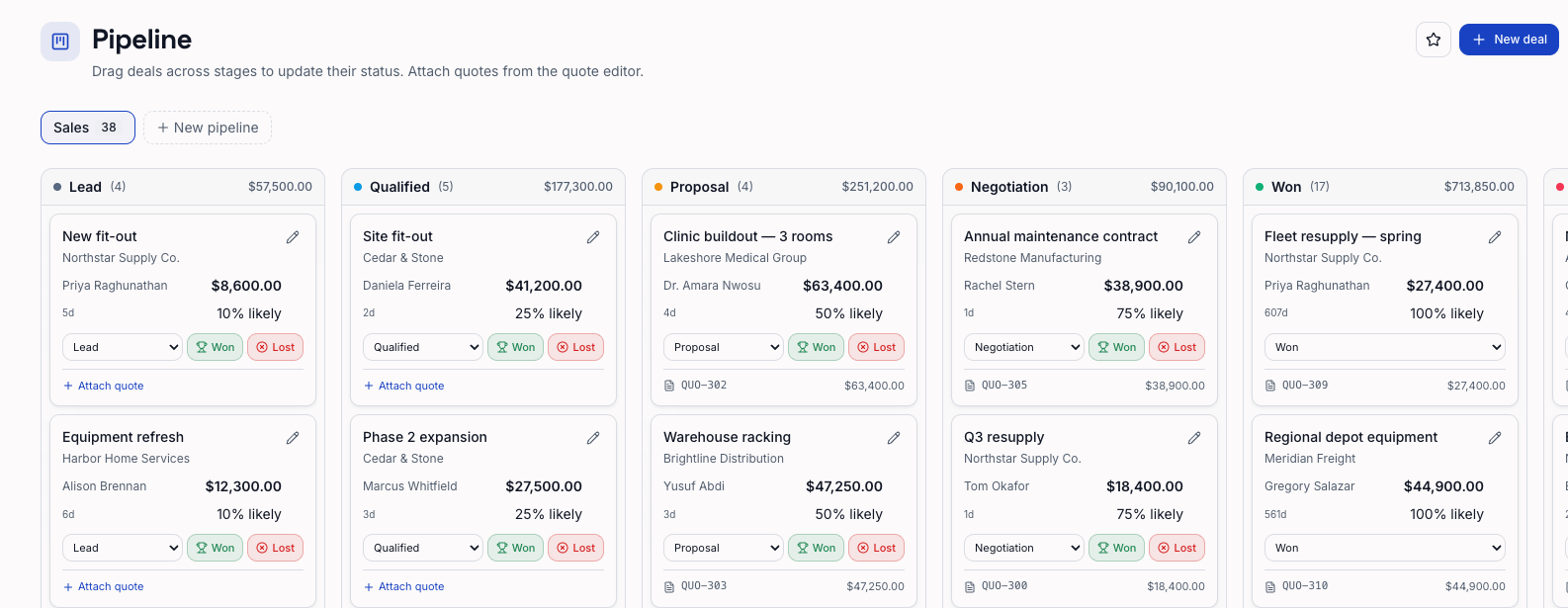
Open a deal and drag it across your pipeline stages. Each stage sets a default chance to close, so your forecast moves with the board.
Send the quote
Build an itemized quote from your product catalog and email it, with a branded PDF attached if you like. Your customer opens it from a private link and accepts it online.
Invoice in one click
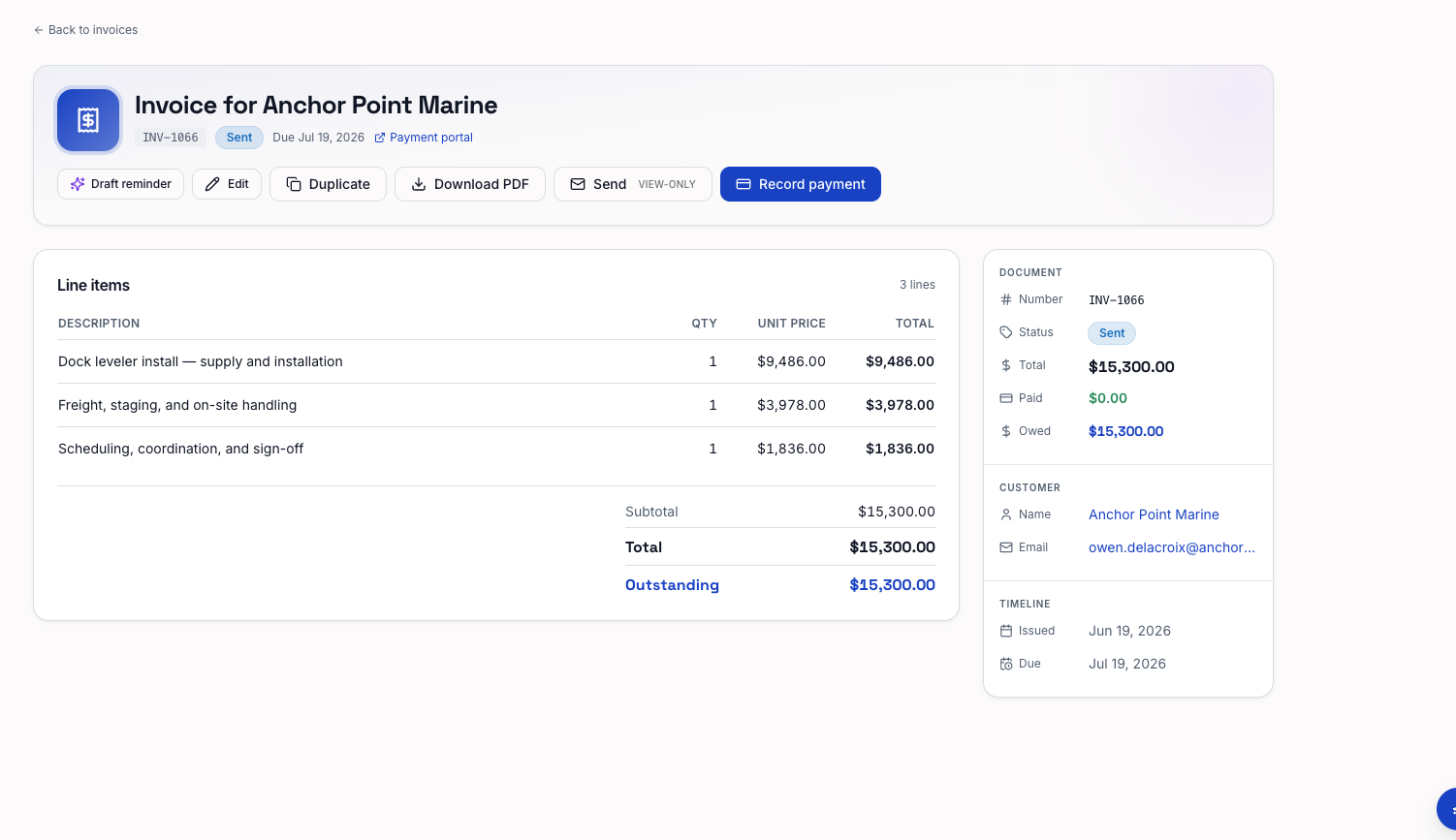
Turn the accepted quote into an invoice with the same line items. Email it or download the PDF, and turn on payment reminders in case it goes unpaid.
Get paid
Connect your own Stripe account and customers pay by card from the invoice link. The invoice is marked paid on its own. Paid by check or bank transfer? Record the payment yourself.
Ship and track
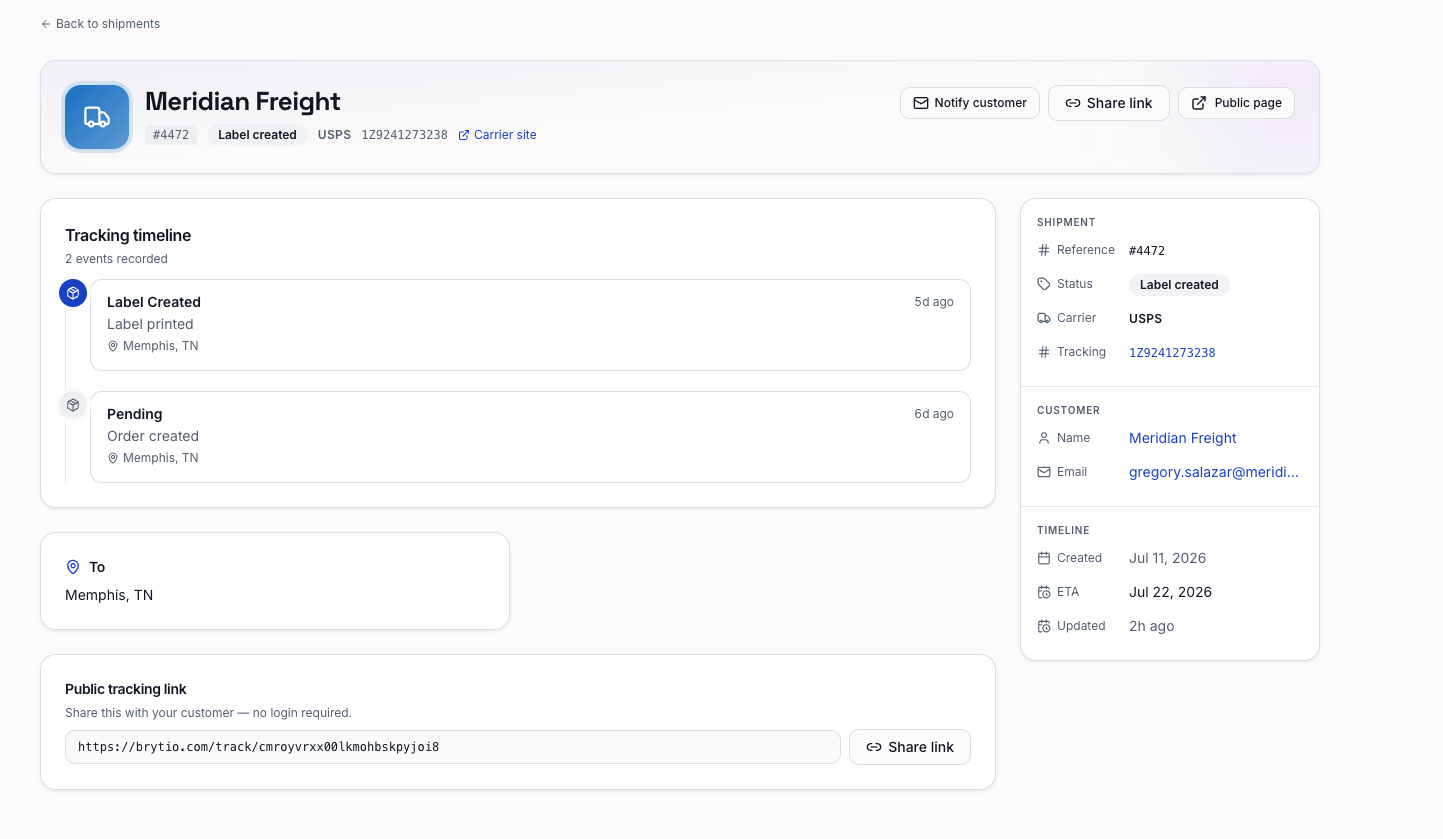
Add the carrier and tracking number for UPS, FedEx, USPS, or DHL Express. BrytIO follows the carrier's updates, and your customer gets a tracking page with your name on it.