
For service businesses
Quote the job, book the visit, bill the work.
Send a quote your customer can accept online, let them pick a time that suits you, and invoice when the work is done.
What you get
Built into BrytIO today.
Quotes customers accept online
Your customer opens the quote from a private link and accepts it with their name, plus a drawn signature if they like. Ask for a deposit and BrytIO creates the deposit invoice when they accept.
Booking links
Set the days and hours you work and how long a visit takes. Customers pick an open time, and the meeting is logged in BrytIO.
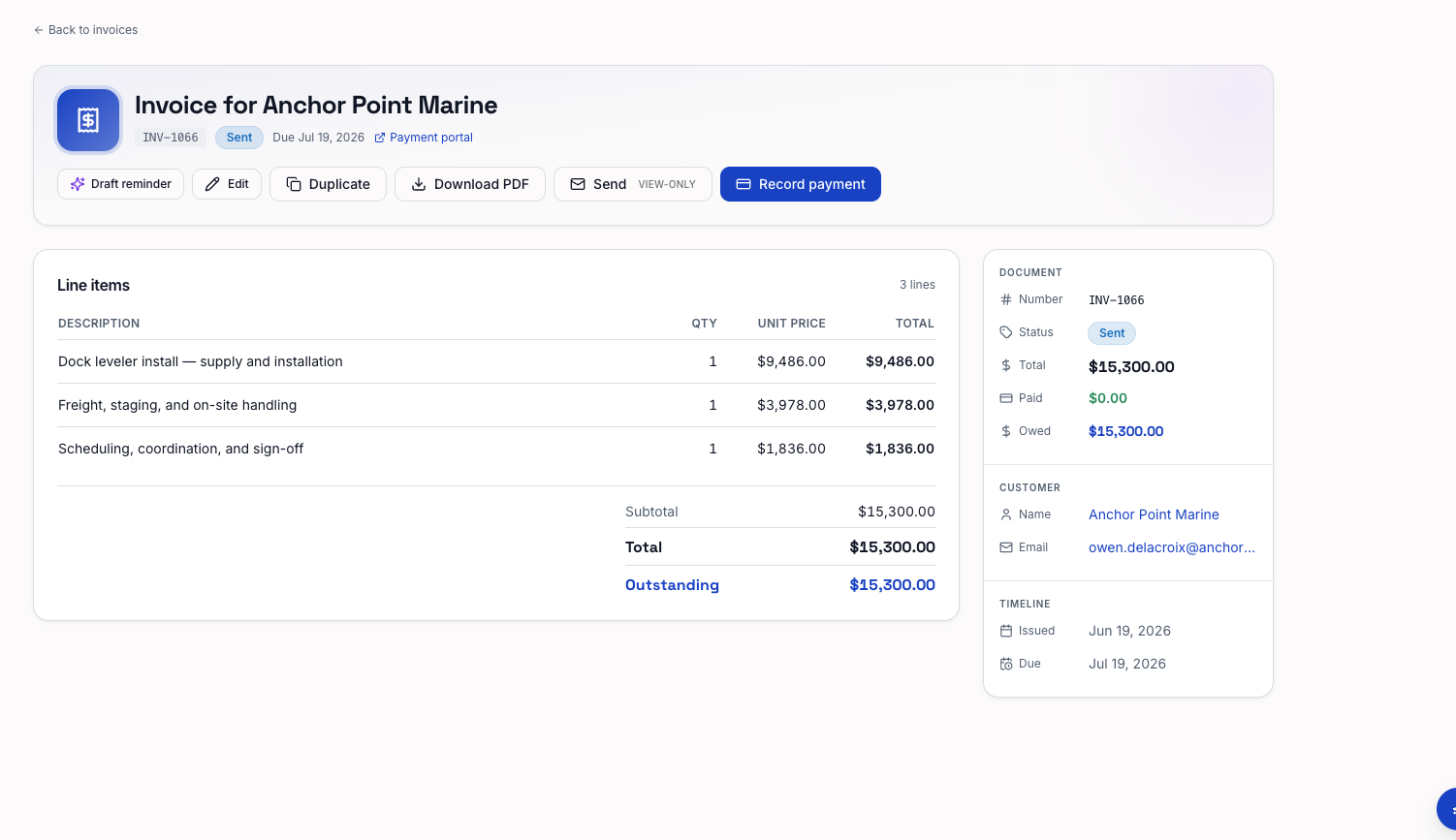
Invoices that get paid
Email the invoice, take card payments through Stripe, and turn on payment reminders so unpaid invoices get followed up.
Getting started
How it works.
Quote
Send an itemized quote the customer can accept from their phone.
Schedule
Share your booking link so the visit lands on a time that works.
Invoice
Bill the job and take payment by card or record it yourself.